我是 Seldon 的工程师,也参与帮助构建了 Wren;我本人在测试新前端功能时,以及部署到生产环境前后,都会用这个很棒的 AI 智能体。我最喜欢的是,通过一个极其简单的 yaml 文件就能轻松创建和审查我的 QA 测试用例。
简单又好管理!来看看吧!
也请尽可能多给我们反馈!!!!
version: 1 run: url: https://staging.example-store.com username: qa-shopper@example.com password: test-password-123 testCases: - id: cart-add-item area: checkout/cart name: Add a product to the cart url: /products/classic-tee steps: - select size M - click "Add to cart" - open the cart criteria: the cart contains one Classic Tee in size M and the cart badge shows 1
- id: cart-update-quantity area: checkout/cart name: Changing quantity updates the subtotal steps: - add the Classic Tee to the cart - open the cart - change the quantity from 1 to 3 criteria: the subtotal equals three times the unit price
我们是旧金山的一家应用研究实验室。团队里有来自 MIT 和 Berkeley 的研究员,也有在 Meta 和 Spotify 做过产品的人。我们让人类和智能体面对同样的界面,研究他们的决策差异在哪里。这让我们对一个 QA 问题产生了兴趣。测试能告诉你脚本里写的路径能不能走通,但用户会自己选路径。
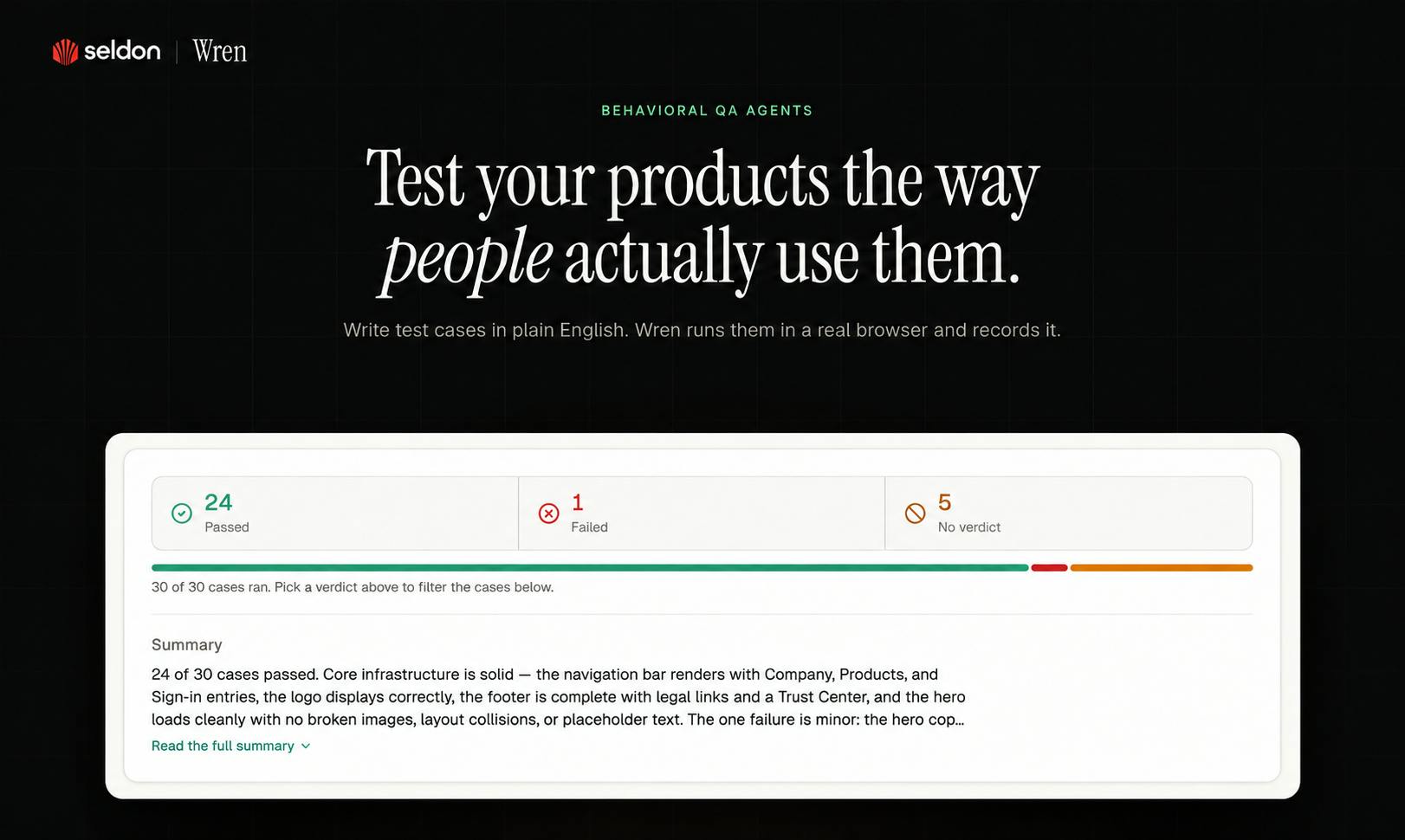
Wren 怎么工作?用大白话给它一个目标,比如“一个新队友应该能接受邀请并加入工作区”。Wren 的 QA 智能体会打开你的应用,尝试不同方式达成这个目标。其中一个可能会在登录了错误账号时打开邀请,中途切换账号,再试一次链接。你不用为每条路径单独写脚本,也能测这些路径。出问题时,你会拿到录屏和复现步骤。你可以在 CI 里让 Wren 和现有测试一起跑。适合谁?
我们为工程和 QA 团队打造了 Wren,从每周都要发新功能的初创公司,到有多年测试覆盖的企业团队都适用。一个早期团队告诉我们,Wren 在发布前帮他们省下了好几天 QA 时间。
拿你已经在测的东西试试
前10次运行免费。我会先从你们团队已经有通过测试的流程开始。Wren 有没有抓到你们测试套件漏掉的东西?我很想听听发生了什么。我们全天都在。
\\
\\ (o>
(o> //\
_(()_____V_/_____
|| ||
||
简单又好管理!来看看吧!
也请尽可能多给我们反馈!!!!
version: 1
run:
url: https://staging.example-store.com
username: qa-shopper@example.com
password: test-password-123
testCases:
- id: cart-add-item
area: checkout/cart
name: Add a product to the cart
url: /products/classic-tee
steps:
- select size M
- click "Add to cart"
- open the cart
criteria: the cart contains one Classic Tee in size M and the cart badge shows 1
- id: cart-update-quantity
area: checkout/cart
name: Changing quantity updates the subtotal
steps:
- add the Classic Tee to the cart
- open the cart
- change the quantity from 1 to 3
criteria: the subtotal equals three times the unit price