Clueso MCP 让用户通过与 AI 智能体对话完成视频全流程制作,从分镜、配音、配乐到剪辑自动生成并保持可编辑,适合营销与内容团队快速出片。
热门评论
PH 用户
Hey Product Hunt Community! 👋
I’m Neel, co-founder of Clueso.
We launched Clueso here last year with a pretty simple idea: turn rough screen recordings into polished product videos in minutes.
The response was incredible. Thousands of people started using Clueso, and this community made us #1 Product of the Day, Week, and Month.
Over the last year, we kept seeing people push Clueso beyond what we originally built it for. They wanted to start with more than a screen recording. They wanted to make more kinds of videos. And increasingly, they wanted AI to do more of the actual work.
So today we’re launching Clueso MCP.
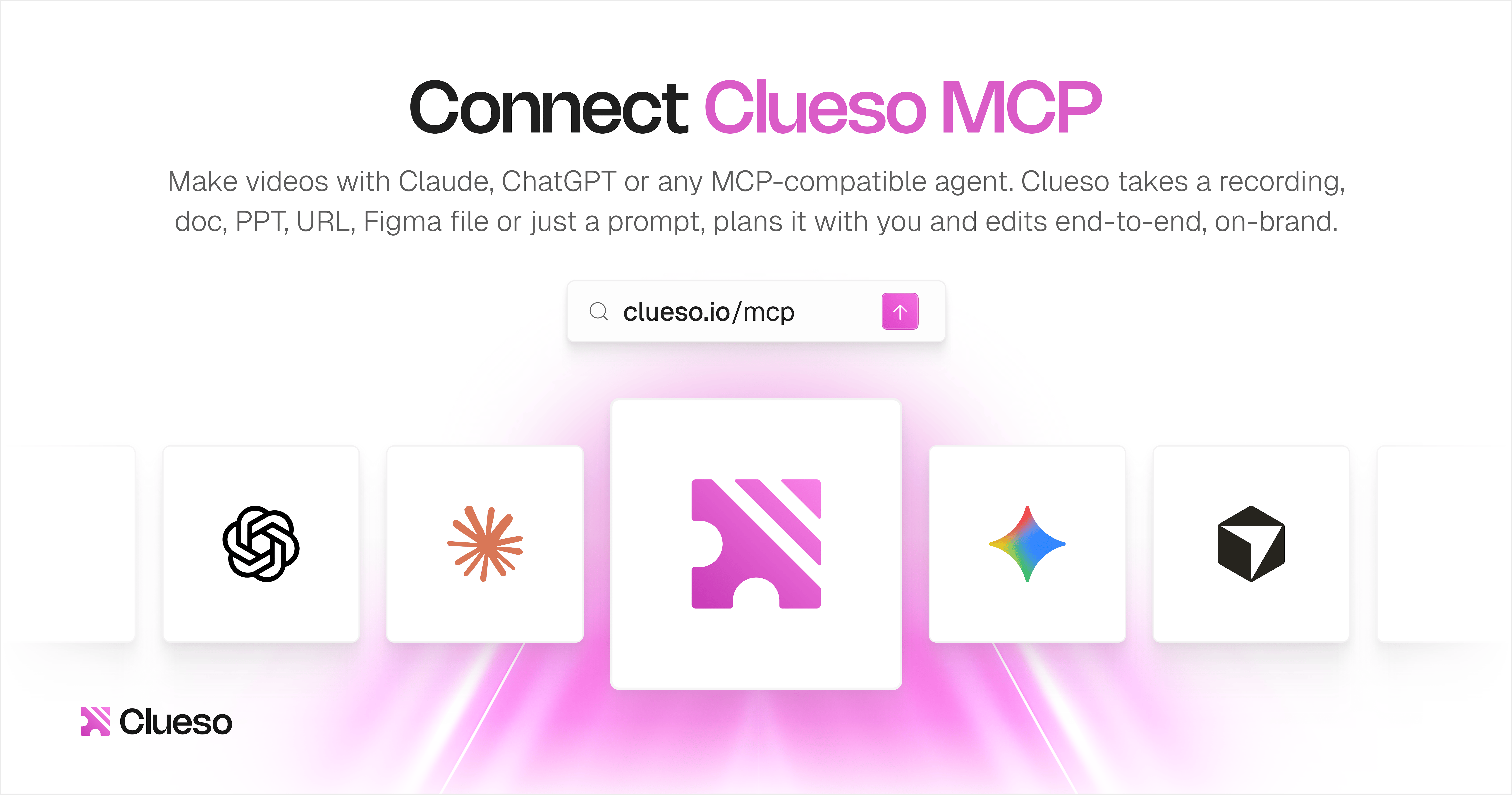
Now you can create and edit videos directly from Claude, ChatGPT, Cursor, or any MCP-compatible agent.
Give it a prompt and whatever material you have: a screen recording, deck, document, URL, Figma file, raw footage, reference video you like, or just an idea.
Clueso takes it from there. It plans the video, creates the scenes, writes the script, generates the AI voiceover, adds music, motion graphics, captions and animations, edits everything together, and applies your branding.
In fact, our product hunt launch video above was made entirely with Clueso MCP.
Basically, you tell it what you want to make, and it makes the video with you.
The part we care a lot about is control.
A lot of AI video tools feel like black boxes: you prompt them, get a finished clip back, and if something isn’t quite right, your main option is to keep regenerating.
Clueso is different because there’s a powerful video editor underneath the agent. Everything it creates remains editable. You can open the project and change anything yourself, or just keep chatting with the agent.
You could be a marketer making a launch video, a founder making a product demo, a freelancer creating something for a client, a small business making marketing content, or just someone with an idea they want to turn into a great video.
Here’s what you can do with it:Create from inspiration. Give Clueso a few videos you like or a moodboard. It understands the look, feel, and creative direction you’re going for, then creates a full video around your own content, product, and brand.Create pretty much any kind of video. Launch and marketing videos, product demos, walkthroughs, tutorials, explainers, social content, complex motion graphics, animated sequences, logo animations and more.Edit however you want. Jump into the Clueso editor and make changes yourself, or just chat with the agent and ask it to make the edits for you.Build custom workflows around video. Because Clueso works through MCP, you can connect it with tools like Figma, Slack, Linear, social platforms, your CRM, support tools and more and make video creation, editing and distribution part of a larger automated workflow.So a feature can ship and turn into a launch video, a finished design can become an explainer, or a completed video can automatically move into the next step of your workflow.
Making a video no longer has to start with opening a video editor. You can tell your agent what you need, let it do the work, and still have complete control whenever you want to jump in yourself.
Special offer for the PH community: To celebrate our launch, we’re offering a 50% discount on all plans for the first month to first-time subscribers! Use the code PHXCLUESO50 at checkout. Offer valid until September 25, 11:59 pm PT.
Want to try it? Connect the Clueso MCP from here: https://clueso.io/mcp
The support from this community last year was honestly overwhelming. You made us Product of the Month, and we’d love your support again today. ❤️
I’ll be in the comments all day, so try it, show us what you make, and tell us what works, what doesn’t, and what you’d like to see next.
Huge thanks to @KevinWilliamDavid for hunting us!
PH 用户
Building the MCP has been such a fun experience. We've spent a lot of time really nailing down aspects of the MCP to make it the best way to create and edit videos with AI. A few novel patterns we've come up with that I think will eventually be widely adopted by design tools in our space
Code mode: the MCP exposes a tool to run scripts using the rest of its tools. This gives all AI clients the ability to programatically call tools, and our tools are granular edits to the timeline of your video, regardless of the capabilities of the harness. Multi-frame feedback: the AI client can choose to visualise multiple frames of the video in one call sheet like format, allowing it to understand motion much better than other feedback loops. Deterministic feedback: the AI client gets actual feedback every time it makes an edit, so if it puts text on top of text or makes text too small, it instantly gets to know. Design guidelines as a tool: Instead of relying on resources, we have a dedicated tool call for the client to make informed decisions about producing good videos. This is overrideable, but it helps you get better outputs when you start from scratch.
Of course, the rest of the tools are granular edits that allow the client to control the video however it and the human behind the client (if any) decide to.
All of these come together to allow you to make almost any video you please. One thing that's fun to try is pick your favourite launch video, and just ask AI to recreate it with the Clueso MCP but for your product!
If you're building an MCP, happy to riff on some of our learnings taking this to production. Thank you for your support!
PH 用户
The real gap was never ideas, it was the hour between what you know your video should say and actually having it turn out that way. Clueso MCP closes that: connect it to Claude, describe the video, get a real editable project back. Would love to see what you make with it!
PH 用户
Every Friday at Clueso, we have internal demos. The MCP has been a highlight of so many of them because each demo was a noticeable step up from the last.
It’s been exciting to watch the team figure out how to give agents really fine-grained control over video editing while making sure the results look good. Every week brought a clever new solution or something I hadn’t realised was possible.
After a lot of polishing, it’s finally live. I’m so excited for everyone to try it. Thank you for the support!
PH 用户
So much easier to work with 100 tabs open while controlling everything from my Claude terminal! 10x time savings!
I’m Neel, co-founder of Clueso.
We launched Clueso here last year with a pretty simple idea: turn rough screen recordings into polished product videos in minutes.
The response was incredible. Thousands of people started using Clueso, and this community made us #1 Product of the Day, Week, and Month.
Over the last year, we kept seeing people push Clueso beyond what we originally built it for. They wanted to start with more than a screen recording. They wanted to make more kinds of videos. And increasingly, they wanted AI to do more of the actual work.
So today we’re launching Clueso MCP.
Now you can create and edit videos directly from Claude, ChatGPT, Cursor, or any MCP-compatible agent.
Give it a prompt and whatever material you have: a screen recording, deck, document, URL, Figma file, raw footage, reference video you like, or just an idea.
Clueso takes it from there. It plans the video, creates the scenes, writes the script, generates the AI voiceover, adds music, motion graphics, captions and animations, edits everything together, and applies your branding.
In fact, our product hunt launch video above was made entirely with Clueso MCP.
Basically, you tell it what you want to make, and it makes the video with you.
The part we care a lot about is control.
A lot of AI video tools feel like black boxes: you prompt them, get a finished clip back, and if something isn’t quite right, your main option is to keep regenerating.
Clueso is different because there’s a powerful video editor underneath the agent. Everything it creates remains editable. You can open the project and change anything yourself, or just keep chatting with the agent.
You could be a marketer making a launch video, a founder making a product demo, a freelancer creating something for a client, a small business making marketing content, or just someone with an idea they want to turn into a great video.
Here’s what you can do with it:Create from inspiration. Give Clueso a few videos you like or a moodboard. It understands the look, feel, and creative direction you’re going for, then creates a full video around your own content, product, and brand.Create pretty much any kind of video. Launch and marketing videos, product demos, walkthroughs, tutorials, explainers, social content, complex motion graphics, animated sequences, logo animations and more.Edit however you want. Jump into the Clueso editor and make changes yourself, or just chat with the agent and ask it to make the edits for you.Build custom workflows around video. Because Clueso works through MCP, you can connect it with tools like Figma, Slack, Linear, social platforms, your CRM, support tools and more and make video creation, editing and distribution part of a larger automated workflow.So a feature can ship and turn into a launch video, a finished design can become an explainer, or a completed video can automatically move into the next step of your workflow.
Making a video no longer has to start with opening a video editor. You can tell your agent what you need, let it do the work, and still have complete control whenever you want to jump in yourself.
Special offer for the PH community:
To celebrate our launch, we’re offering a 50% discount on all plans for the first month to first-time subscribers! Use the code PHXCLUESO50 at checkout. Offer valid until September 25, 11:59 pm PT.
Want to try it? Connect the Clueso MCP from here: https://clueso.io/mcp
The support from this community last year was honestly overwhelming. You made us Product of the Month, and we’d love your support again today. ❤️
I’ll be in the comments all day, so try it, show us what you make, and tell us what works, what doesn’t, and what you’d like to see next.
Huge thanks to @KevinWilliamDavid for hunting us!
Code mode: the MCP exposes a tool to run scripts using the rest of its tools. This gives all AI clients the ability to programatically call tools, and our tools are granular edits to the timeline of your video, regardless of the capabilities of the harness. Multi-frame feedback: the AI client can choose to visualise multiple frames of the video in one call sheet like format, allowing it to understand motion much better than other feedback loops. Deterministic feedback: the AI client gets actual feedback every time it makes an edit, so if it puts text on top of text or makes text too small, it instantly gets to know. Design guidelines as a tool: Instead of relying on resources, we have a dedicated tool call for the client to make informed decisions about producing good videos. This is overrideable, but it helps you get better outputs when you start from scratch.
Of course, the rest of the tools are granular edits that allow the client to control the video however it and the human behind the client (if any) decide to.
All of these come together to allow you to make almost any video you please. One thing that's fun to try is pick your favourite launch video, and just ask AI to recreate it with the Clueso MCP but for your product!
If you're building an MCP, happy to riff on some of our learnings taking this to production. Thank you for your support!
It’s been exciting to watch the team figure out how to give agents really fine-grained control over video editing while making sure the results look good. Every week brought a clever new solution or something I hadn’t realised was possible.
After a lot of polishing, it’s finally live. I’m so excited for everyone to try it. Thank you for the support!
继续加油,各位