Willow Knowledge 可将你在 ChatGPT、Claude 等 AI 中的写作风格与个人上下文导入 Willow,让你的语音听写和邮件、Slack 消息都保持你自己的语气。
热门评论
PH 用户
Long-time Product Hunt community. I'm back with another banger launch.
Today, we’re introducing Willow Knowledge.
Let's all admit: we talk to our AIs more than humans and they know more about us than we think :) They also know how we write and have context about most of our work.
I talk to our users a lot and most of my calls end with this feature request: can Willow import context, my writing style from LLMs I use?
We heard y'all and now Willow Knowledge lets you do that.
For those new to Willow, Scribe our AI writing assistant, lets you speak the gist of what you want to say and write it for you inside the app you’re using. Knowledge gives Scribe extra special powers. It feeds more information about how you write and details about you that it can use when relevant.
To get started, copy the prompt from Willow into the AI you already use, then paste the response back into Willow. It brings over your writing preferences and personal context. You can review everything, edit it, and add details yourself.
> You can tell Willow to keep emails short, use your usual sign-off, or avoid certain phrases. > Your work msgs can have different preferences from your casual msgs. > You can also create app groups, the ones where you write other than email or slack. For ex: I've created Notion and Google Docs. > You can also add context about your work and company, so Scribe has that information when it writes a msg for you.
Alright, so Willow Knowledge is available on macOS and Windows.
Download Willow, import with the AI you already use, then Scribe emails, slack msgs like a PRO!
Our team is hanging out here today and if y'all have any feedback or how we can improve Willow, plz share them in the comments below. Appreciate everyone checking it out.
PH 用户
Hi all, congrats on the launch! This is my first time learning about Willow. It sounds like your launch today is a plug-in or new feature to Willow called Willow Knowledge, where you can "export" (or copy & paste) your preferences from your everyday AI agent into Willow. Could I think of Willow Knowledge as agent skills for Willow?
PH 用户
We’re launching Knowledge Base for Willow!
One of the biggest challenges with AI writing assistants is that they can write well, but they don’t always write like you. Over time, Knowledge Base helps Willow understand your writing style, preferences, and the facts and context that matter to you.
This is especially useful with Scribe, our AI writing assistant. You can tell Scribe what you want to say, and it can use that context to write something that sounds much more like you without needing as much editing.
Give it a try and let us know what you think. We’d love the feedback 🙌
PH 用户
I really like the separate preferences per platform. Because the way I want to write in Slack is different than in email, which is different than in WhatsApp.
One thing I'm finding frustrating with other AI tools is that it's not easy to switch between work and personal accounts, where I want to maintain separate context. Curious if you all are thinking about that. Some longstanding tools, like Linear and Superhuman, handle this well.
PH 用户
I’ve actually used Willow Scribe before and one issue I noticed was that sometimes the context I had in mind was different from what it picked up
So Willow Knowledge feels like a really useful upgrade
Curious how it handles personal context across different AI tools
Really excited to try this one and congrats on the launch!
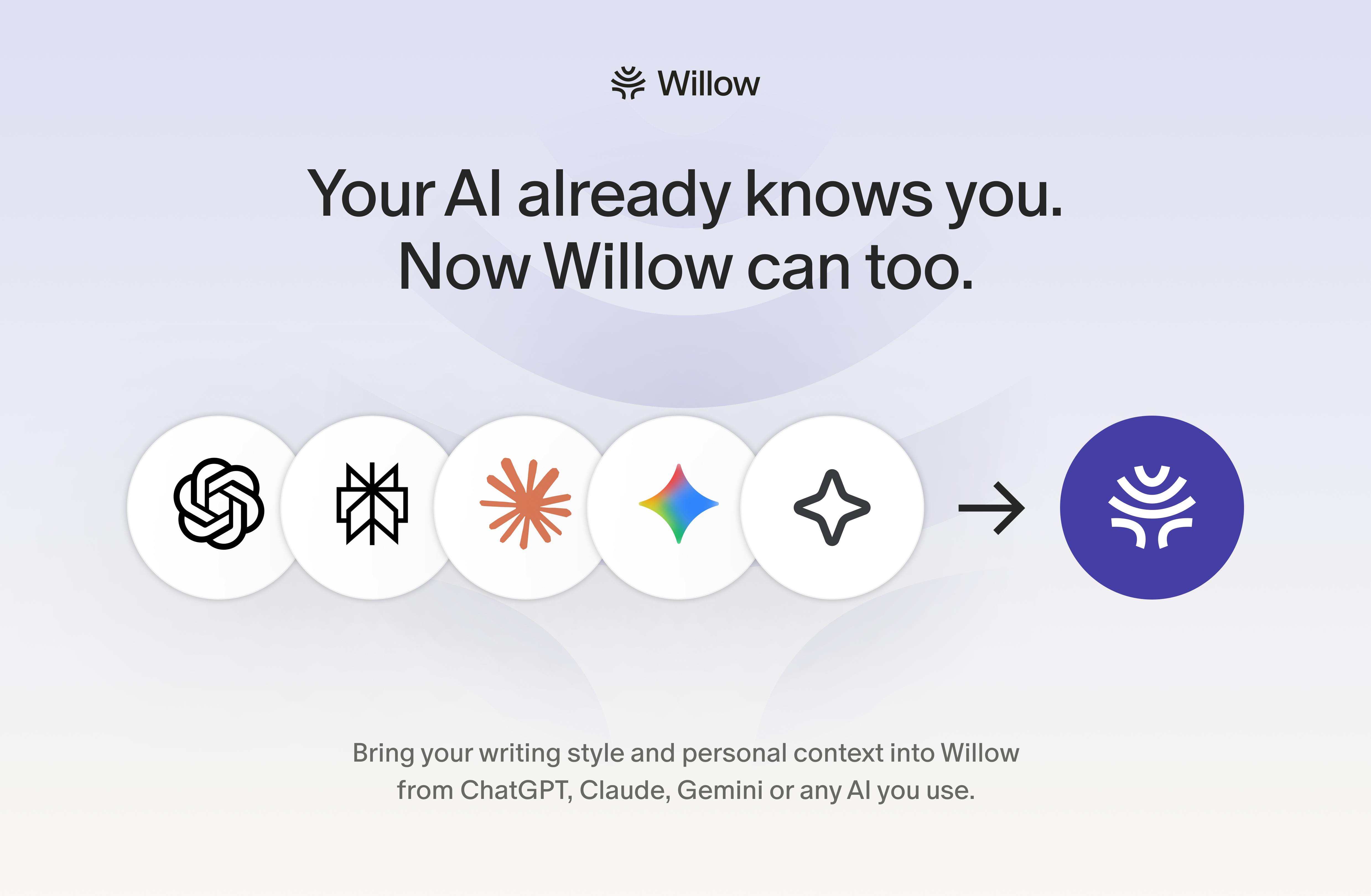
Today, we’re introducing Willow Knowledge.
Let's all admit: we talk to our AIs more than humans and they know more about us than we think :) They also know how we write and have context about most of our work.
I talk to our users a lot and most of my calls end with this feature request: can Willow import context, my writing style from LLMs I use?
We heard y'all and now Willow Knowledge lets you do that.
For those new to Willow, Scribe our AI writing assistant, lets you speak the gist of what you want to say and write it for you inside the app you’re using. Knowledge gives Scribe extra special powers. It feeds more information about how you write and details about you that it can use when relevant.
To get started, copy the prompt from Willow into the AI you already use, then paste the response back into Willow. It brings over your writing preferences and personal context. You can review everything, edit it, and add details yourself.
> You can tell Willow to keep emails short, use your usual sign-off, or avoid certain phrases.
> Your work msgs can have different preferences from your casual msgs.
> You can also create app groups, the ones where you write other than email or slack. For ex: I've created Notion and Google Docs.
> You can also add context about your work and company, so Scribe has that information when it writes a msg for you.
Alright, so Willow Knowledge is available on macOS and Windows.
Download Willow, import with the AI you already use, then Scribe emails, slack msgs like a PRO!
Our team is hanging out here today and if y'all have any feedback or how we can improve Willow, plz share them in the comments below. Appreciate everyone checking it out.
One of the biggest challenges with AI writing assistants is that they can write well, but they don’t always write like you. Over time, Knowledge Base helps Willow understand your writing style, preferences, and the facts and context that matter to you.
This is especially useful with Scribe, our AI writing assistant. You can tell Scribe what you want to say, and it can use that context to write something that sounds much more like you without needing as much editing.
Give it a try and let us know what you think. We’d love the feedback 🙌
One thing I'm finding frustrating with other AI tools is that it's not easy to switch between work and personal accounts, where I want to maintain separate context. Curious if you all are thinking about that. Some longstanding tools, like Linear and Superhuman, handle this well.
So Willow Knowledge feels like a really useful upgrade
Curious how it handles personal context across different AI tools
Really excited to try this one and congrats on the launch!