PixelRead AI OCR 是一款 Mac 屏幕文字提取工具,支持 OCR、翻译和 AI 总结,适用于需要快速获取和处理屏幕文字的用户。
热门评论
PH 用户
Hey Product Hunt 👋
I built PixelRead because text on screen is still too often trapped inside screenshots, videos, PDFs, and apps. Existing OCR utilities usually stop at copying. I wanted one fast Mac shortcut that could also translate, speak, summarize, rewrite, extract details, and answer questions—without sending captured text to a server.
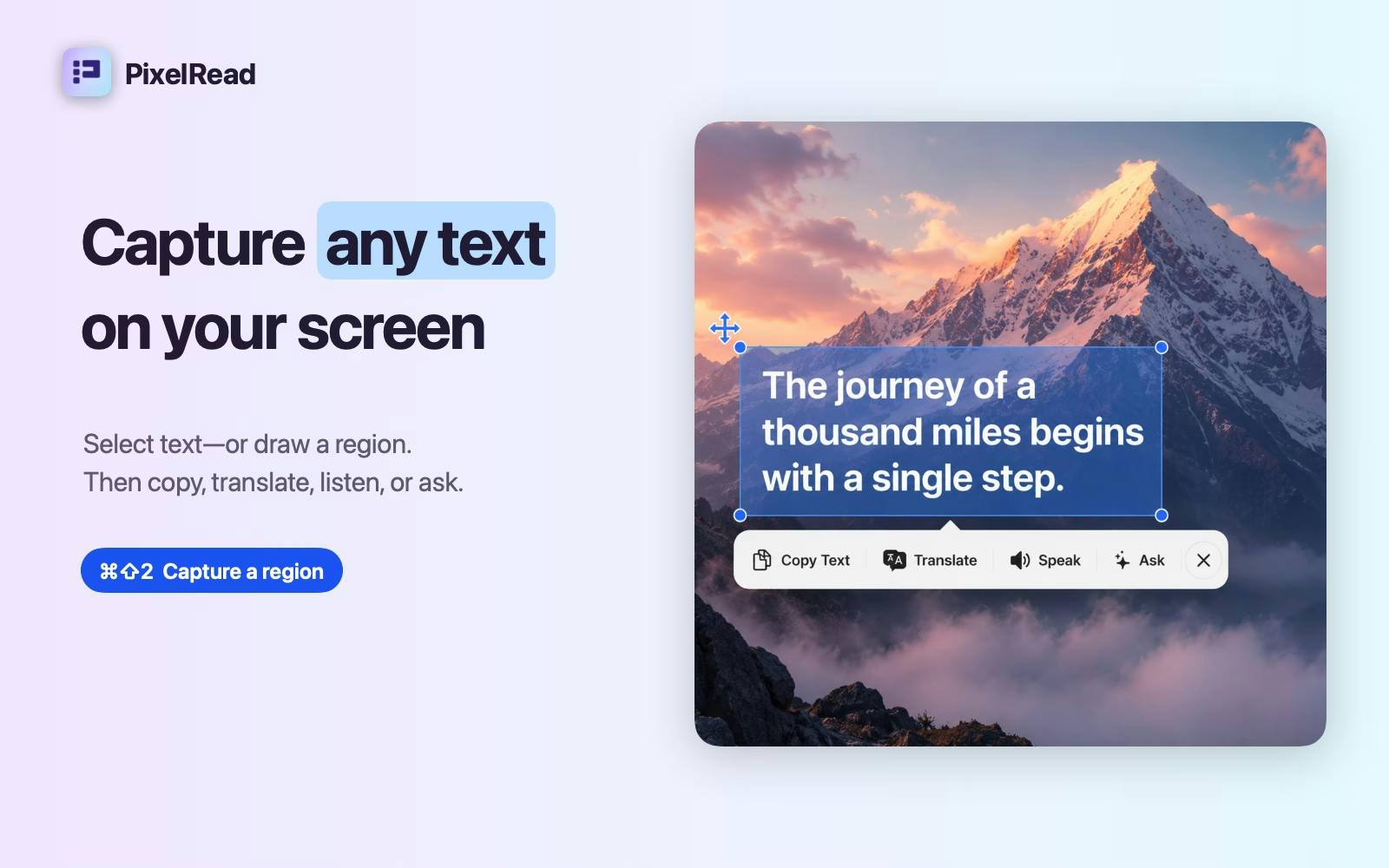
Press ⌘⇧2, drag over any region, and PixelRead turns those pixels into actionable text.
What you can do: • Capture text from any app, image, video, PDF, or webpage • Copy selected text instantly • Translate on-device with automatic source detection on macOS 26 • Listen using language-aware system voices • Use Apple Intelligence to summarize, rewrite, extract key details, or ask focused questions • Keep OCR, translation, and AI processing on your Mac
PixelRead is free and runs on macOS 15.2+. Translation and Apple Intelligence features require macOS 26 and supported hardware.
I’d especially love feedback on the capture workflow and which text actions you use most. Thanks for taking a look!
PH 用户
Congrats on the launch! Looks great, and would save a lot of time. The translation feature looks super useful too. Mainly would use OCR for converting text in images to text etc.
PH 用户
"OCR, translation, and AI processing stay on your Mac" is the line that sold me - half the reason I never bothered with the built-in screenshot-to-text tools is not wanting random screen content going to a server. the actual use case I'd reach for most: pulling text out of error screenshots and stack traces that get dropped into Slack as images instead of text, so I can actually search or paste them somewhere useful. curious if extract-key-details handles messy monospace/terminal output as cleanly as regular text, since that's usually where OCR tools fall apart.
I built PixelRead because text on screen is still too often trapped inside screenshots, videos, PDFs, and apps. Existing OCR utilities usually stop at copying. I wanted one fast Mac shortcut that could also translate, speak, summarize, rewrite, extract details, and answer questions—without sending captured text to a server.
Press ⌘⇧2, drag over any region, and PixelRead turns those pixels into actionable text.
What you can do:
• Capture text from any app, image, video, PDF, or webpage
• Copy selected text instantly
• Translate on-device with automatic source detection on macOS 26
• Listen using language-aware system voices
• Use Apple Intelligence to summarize, rewrite, extract key details, or ask focused questions
• Keep OCR, translation, and AI processing on your Mac
PixelRead is free and runs on macOS 15.2+. Translation and Apple Intelligence features require macOS 26 and supported hardware.
I’d especially love feedback on the capture workflow and which text actions you use most. Thanks for taking a look!