GBrain 为 AI 提供持久记忆和账号连接,让 Claude、ChatGPT 等共享笔记与数据,适合团队协作使用。
热门评论
PH 用户
No key in a config file is a nice developer experience improvement. Is the account connection handled entirely through G Brain or can teams still access at the individual tool level?
PH 用户
How does privacy work in GBrain? There could be data that I’m comfortable sharing with certain tools, but not with others. Does it account for these content specific permissions, or does it sync everything across connected tools regardless of whether that data is restricted to only certain tools? or does it analyze the content and simply avoid storing certain information in memory?
PH 用户
Is there a self-hostable option?
PH 用户
Hi Product Hunt, I'm Brad, one of the people building GBrain. I'll be in the comments all day if you have questions.
I switched my main AI tool three times last year, and each time I lost everything it knew about my work. I spent the first week with every new tool explaining my projects all over again.
GBrain keeps that memory outside any one AI. ChatGPT, Claude, Claude Code and Cursor all read and write the same notes, so something you save from the terminal is there when you ask in the browser. The notes are plain text files. You can open them, fix what's wrong, or copy them out and leave.
It also holds your accounts. Connect Gmail and your calendar once, and every AI you use gets the same tools. The AI never sees your passwords or keys. Tools is one of my personal favorite parts of GBrain because I'm on the more paranoid side of data sharing and wanted a way to see how AI was using my data, which is why we have the activity log.
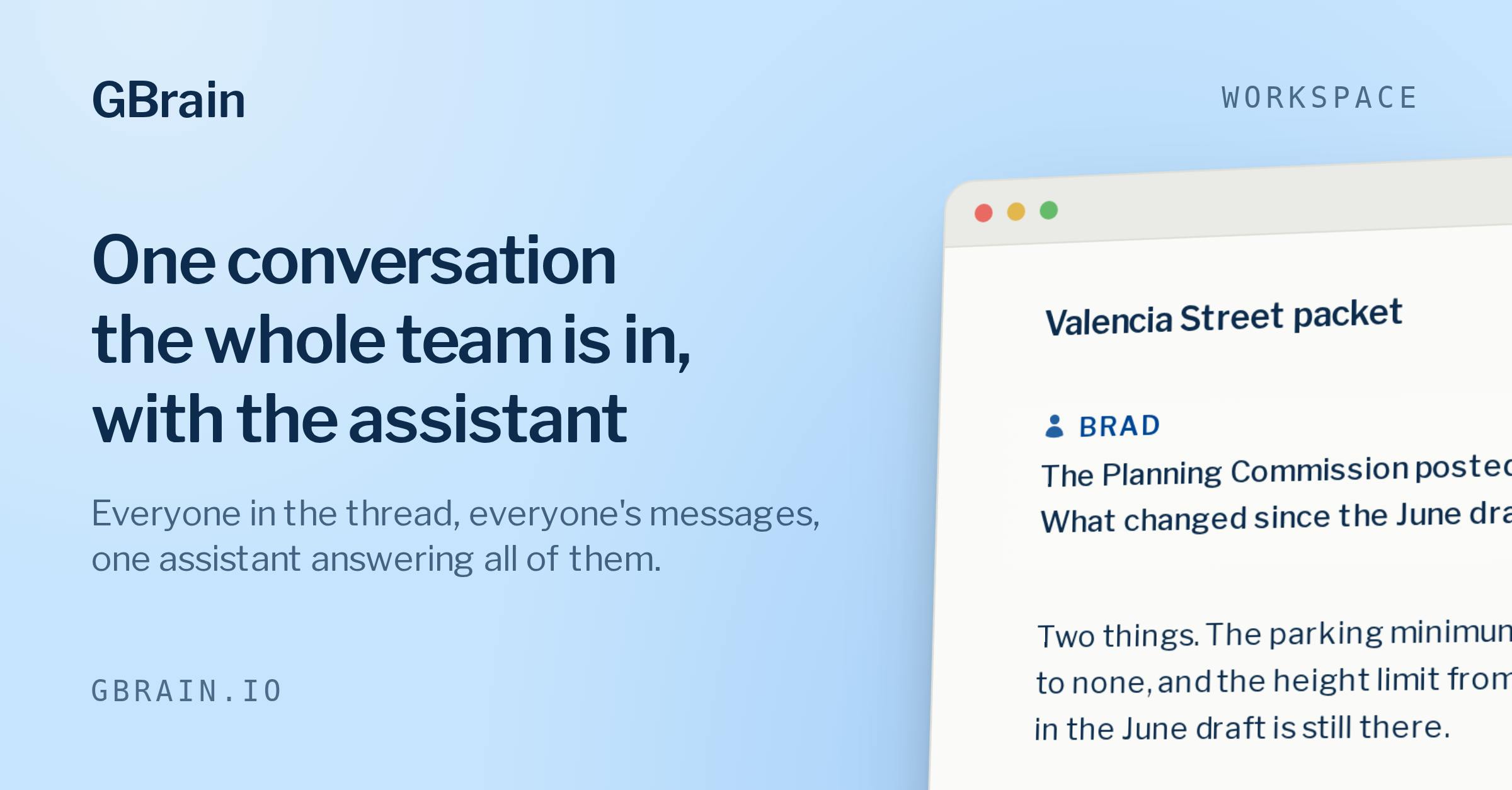
We use it as a team. Everyone works in the same thread with one assistant, so nobody has to catch it up on a project someone else already explained. We have a daily sync hooked up to Github, Gmail, Stripe, and Mercury that tells us what's up once per day over email.
You can pick which model it runs on and change it later without losing anything. It comes with ready-made jobs, like a brief on everyone you're meeting tomorrow, and you can put them on a schedule.
It doesn't work with the ChatGPT or Claude subscription you already pay for yet. You bring an API key or use the usage that's included. That's the next thing I want to fix.
I'd rather talk than write a longer post. Ask me why you'd want this, whether it fits how you work, or how it's different from the memory ChatGPT and Claude already have. And if you've switched AI tools before, tell me what you lost.
That's what we're building from.
For Product Hunt, the first month is $99 instead of $199, with $100 of AI usage included, through September 30: gbrain.io/gratis/product-hunt. If you need help getting setup you can email support@gbrain.io and you'll get myself or one of my cofounders.
PH 用户
the "memory is a folder of markdown files you can read, correct and take with you" line is the part that'd get me to actually try this over yet another vendor-locked memory feature. real question: when Claude Code and Cursor both write to the same memory file within a few minutes of each other, is there any conflict resolution, or is it just last write wins and you're expected to notice the diff yourself in the markdown
I switched my main AI tool three times last year, and each time I lost everything it knew about my work. I spent the first week with every new tool explaining my projects all over again.
GBrain keeps that memory outside any one AI. ChatGPT, Claude, Claude Code and Cursor all read and write the same notes, so something you save from the terminal is there when you ask in the browser. The notes are plain text files. You can open them, fix what's wrong, or copy them out and leave.
It also holds your accounts. Connect Gmail and your calendar once, and every AI you use gets the same tools. The AI never sees your passwords or keys. Tools is one of my personal favorite parts of GBrain because I'm on the more paranoid side of data sharing and wanted a way to see how AI was using my data, which is why we have the activity log.
We use it as a team. Everyone works in the same thread with one assistant, so nobody has to catch it up on a project someone else already explained. We have a daily sync hooked up to Github, Gmail, Stripe, and Mercury that tells us what's up once per day over email.
You can pick which model it runs on and change it later without losing anything. It comes with ready-made jobs, like a brief on everyone you're meeting tomorrow, and you can put them on a schedule.
It doesn't work with the ChatGPT or Claude subscription you already pay for yet. You bring an API key or use the usage that's included. That's the next thing I want to fix.
I'd rather talk than write a longer post. Ask me why you'd want this, whether it fits how you work, or how it's different from the memory ChatGPT and Claude already have. And if you've switched AI tools before, tell me what you lost.
That's what we're building from.
For Product Hunt, the first month is $99 instead of $199, with $100 of AI usage included, through September 30: gbrain.io/gratis/product-hunt. If you need help getting setup you can email support@gbrain.io and you'll get myself or one of my cofounders.